Contact details
Create a scannable way to share contact and phone information.
Create QR codes and barcodes for the information people share every day—from contact and phone details to addresses and social profiles.
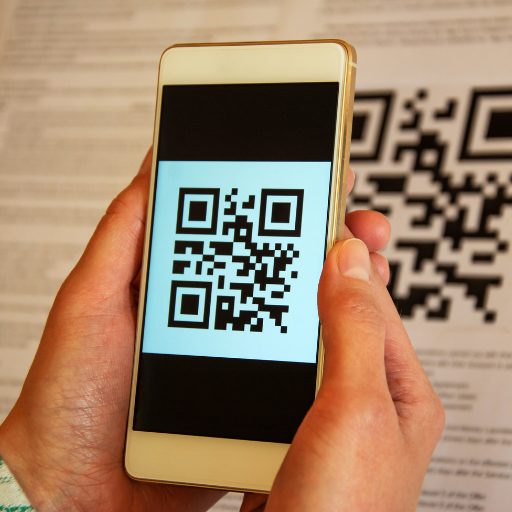 Turn useful information into a scannable code.
Choose the information type, enter the details and create a code that is ready to use.
Create a scannable way to share contact and phone information.
Generate codes for addresses, social profiles and other useful destinations.
Keep common code-creation tasks together in one focused Android app.
A useful QR code starts with accurate source information. Always scan the finished code once before printing or distributing it.
Create QR codes and barcodes from your Android device with QR Code Generator Pro.